
Using AI Assistants for Communication and Collaboration
Effective communication and seamless collaboration are essential pillars of successful remote work. AI assistants can play a significant role in streamlining these processes, making it easier for you to stay connected with your team, manage your inbox, and collaborate on projects. This chapter will explore various AI-powered tools and strategies to enhance your communication and collaboration as a remote worker.
AI-Powered Email Management
Email remains a primary mode of communication for many remote workers, but managing an overflowing inbox can be a daunting task. AI-powered email management tools can help you take control of your inbox and prioritize important messages. Some popular options include:
By leveraging these tools, you can reduce the time spent on email management and focus on more critical aspects of your remote work.
Chatbots for Team Communication
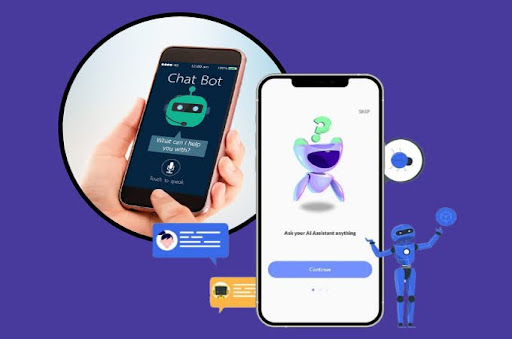
Chatbots have become increasingly popular for team communication, particularly in remote work settings. These AI-powered tools can help streamline information sharing, answer common questions, and automate routine tasks. Some examples include:

By incorporating chatbots into your team communication channels, you can create a more efficient and streamlined workflow, reducing the need for manual intervention and allowing team members to focus on high-value tasks.
Virtual Meeting Assistants
Virtual meetings have become a staple of remote work, but managing these meetings can be time-consuming and challenging. AI-powered virtual meeting assistants can help you streamline the process and ensure that your meetings are productive and efficient. Some popular options include:
By leveraging these virtual meeting assistants, you can ensure that your remote meetings are well-organized, productive, and easily accessible for future reference.
AI Tools for Project Management and Task Delegation
Effective project management and task delegation are crucial for the success of remote teams. AI-powered tools can help streamline these processes, making it easier for you to track progress, assign tasks, and collaborate with your team members. Some popular options include:

As you explore the various AI assistants available for communication and collaboration, remember to choose tools that align with your specific needs. The best tools will integrate seamlessly with your existing workflow.
Magic Assistant Masterclass
Copyright 2023 - WriteAppReviews - All Rights Reserved